Overview
When releasing the computer from the Softdrive Launcher is not responding, there is a workaround for this.
Common Causes
This is a rare issue which will happen whenever you have many apps open on your machine or mane browser tabs.
Resolution
The workaround is to release it from your softnet portal.
1) Log in to the Softdrive Dashboard
- Open a browser and go to:
http://softnet.softdrive.co/ - Log in with your credentials
2) Navigate to the Computers and access your computer overview page. and click on the username.
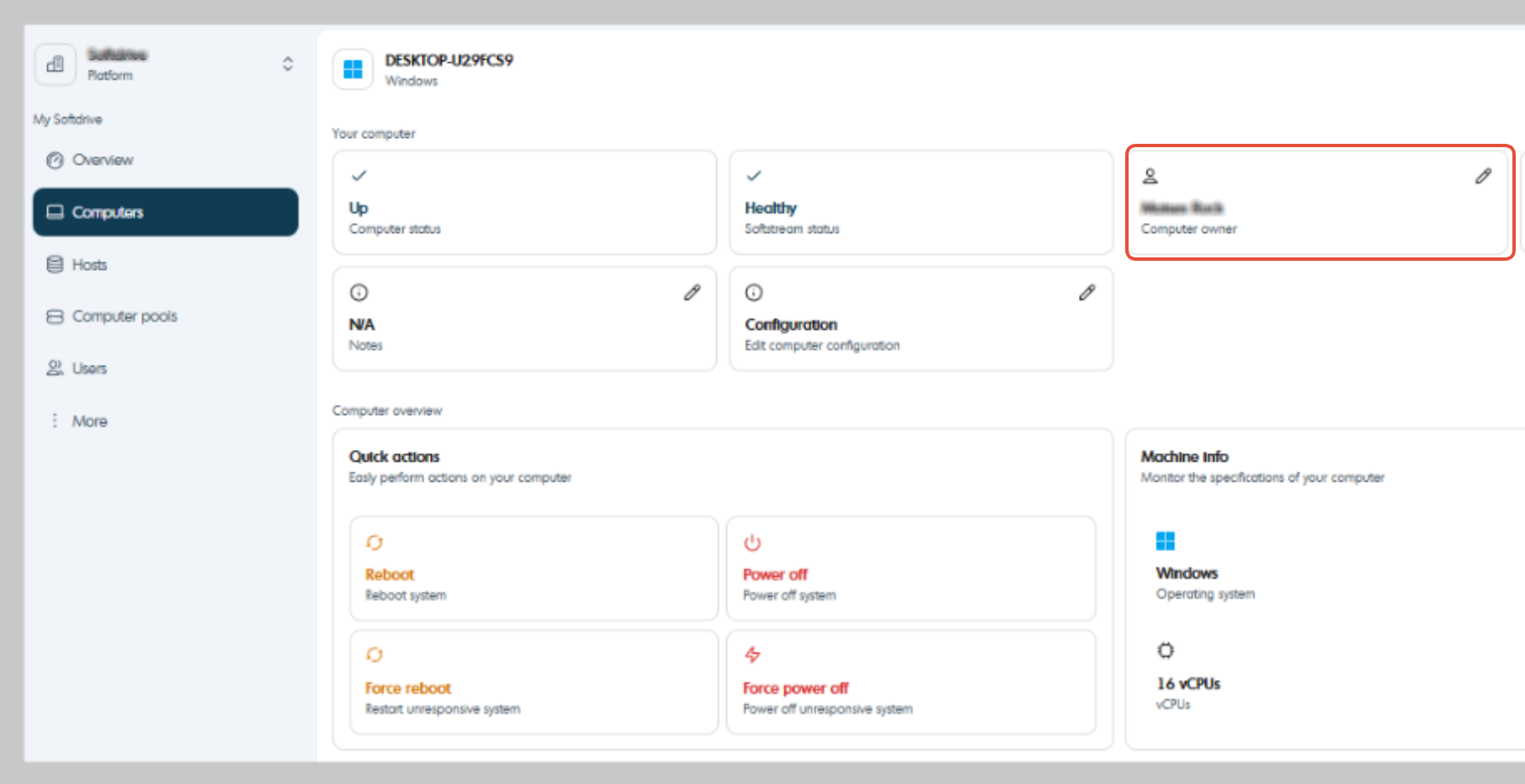
3) Unselect the user so that the computer is unreleased.