Overview
This article explains how to activate your Softdrive account. Once invited, users will receive an email with a link to complete registration and gain access to Softdrive.
Prerequisites
- You must have received an invitation to Softdrive from your administrator. If you have not received an invitation, please contact your administrator to request access.
Procedure
1. To get started with Softdrive, you will receive an email invitation. This invitation allows both users and administrators to complete the registration process.

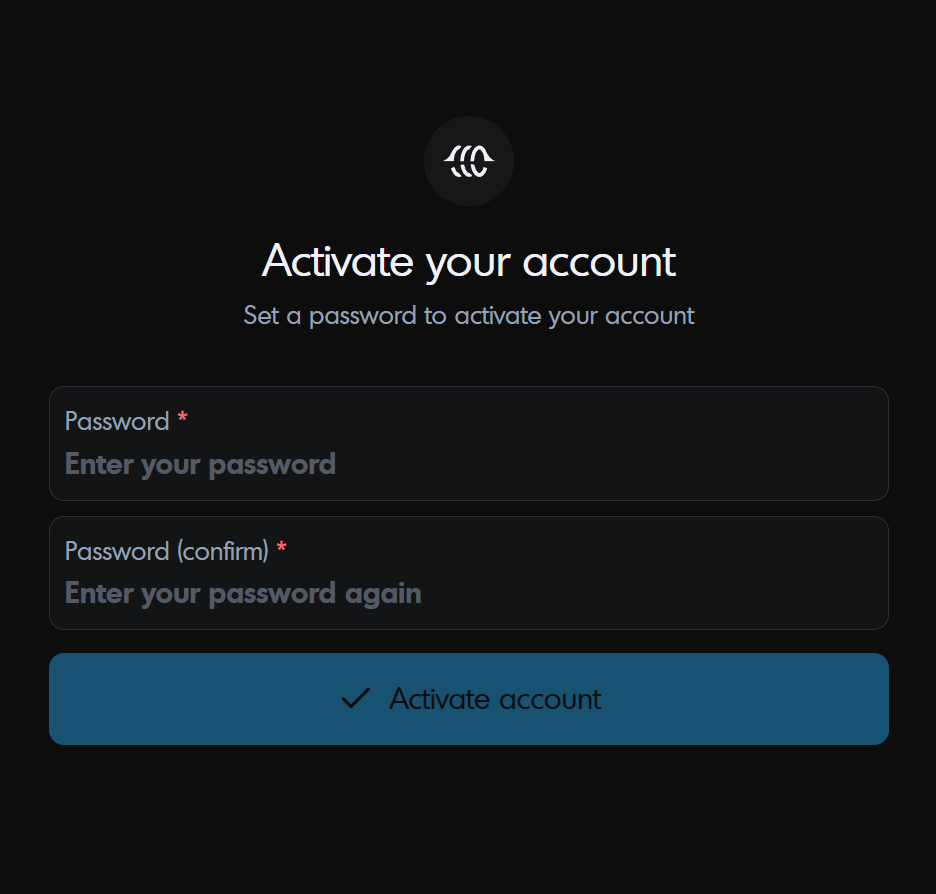
2. That email will take you to a registration page
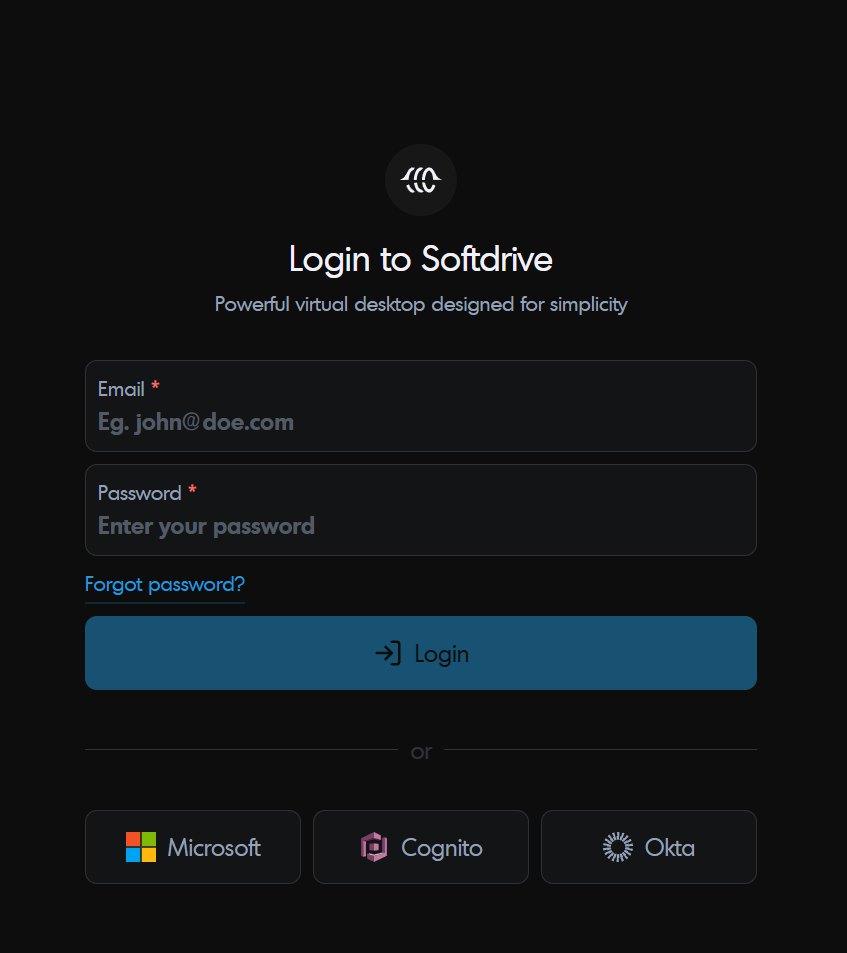
3. Once registration is complete, the user will be redirected to the login page where they can login using the email and password that was just created.