Overview
A Host is a dedicated bare-metal physical server within your Oracle Cloud Infrastructure (OCI) tenancy that provides the underlying compute resources for Softdrive virtual machines (VMs). Hosts run and manage the VMs that power user sessions, supplying CPU, memory, storage, and networking resources to deliver secure, high-performance virtual desktops and applications.
Applies To
- Softdrive Hosts
- Softdrive Dashboard
- Administrators
Procedure
- View a Host
You can view all hosts available to your organization directly from the Softdrive Dashboard. Each host displays its model information, which can be used to identify hardware specifications such as CPU and memory capacity.
- Open a browser and go to:
http://softnet.softdrive.co/ - Log in with your administrator or user credentials
- Navigate to the Hosts tab
- Open a browser and go to:
Below each host name, you will find the model number. To review full specifications, refer to:
https://docs.oracle.com/en-us/iaas/Content/Compute/References/computeshapes.htm
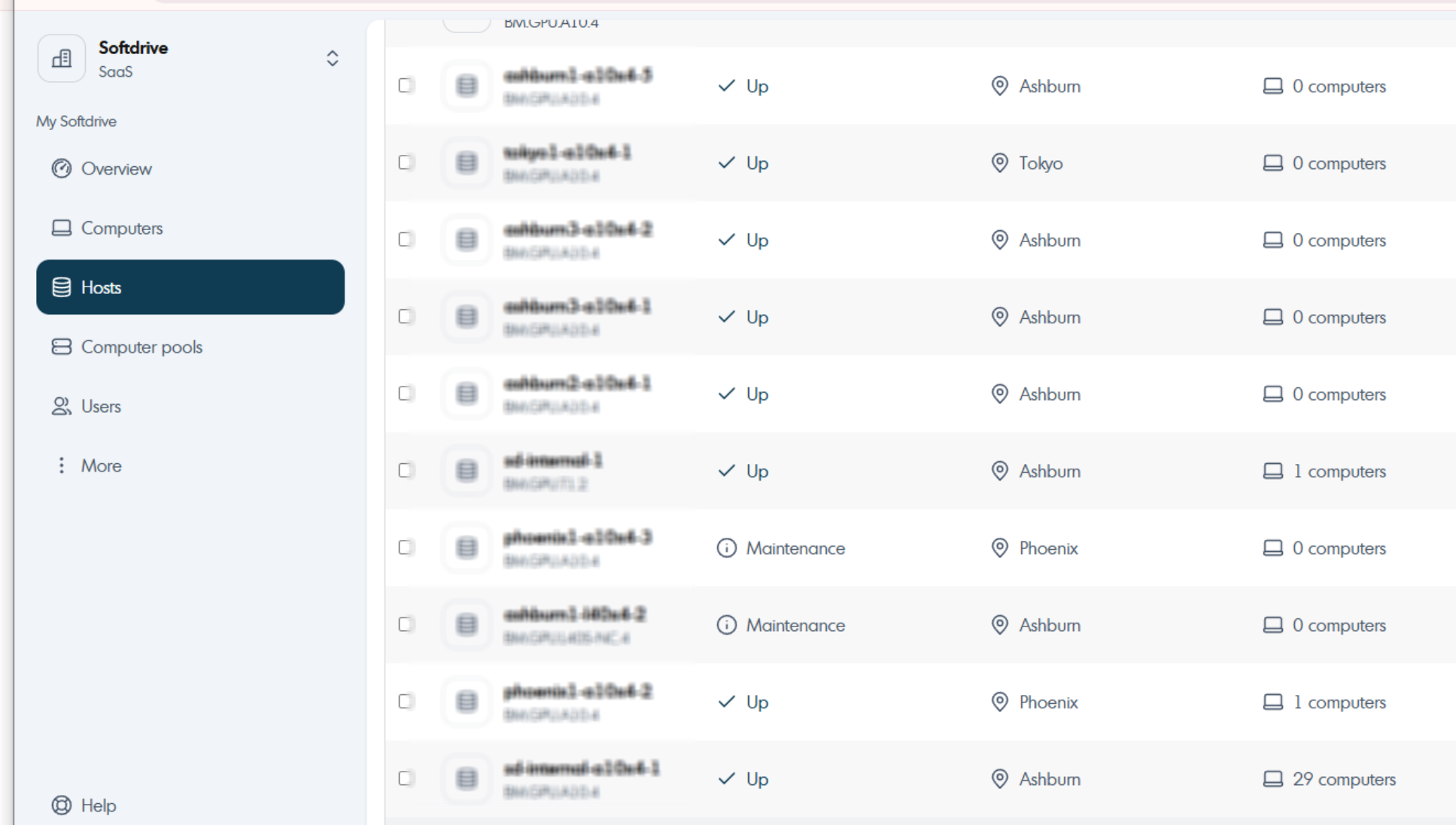
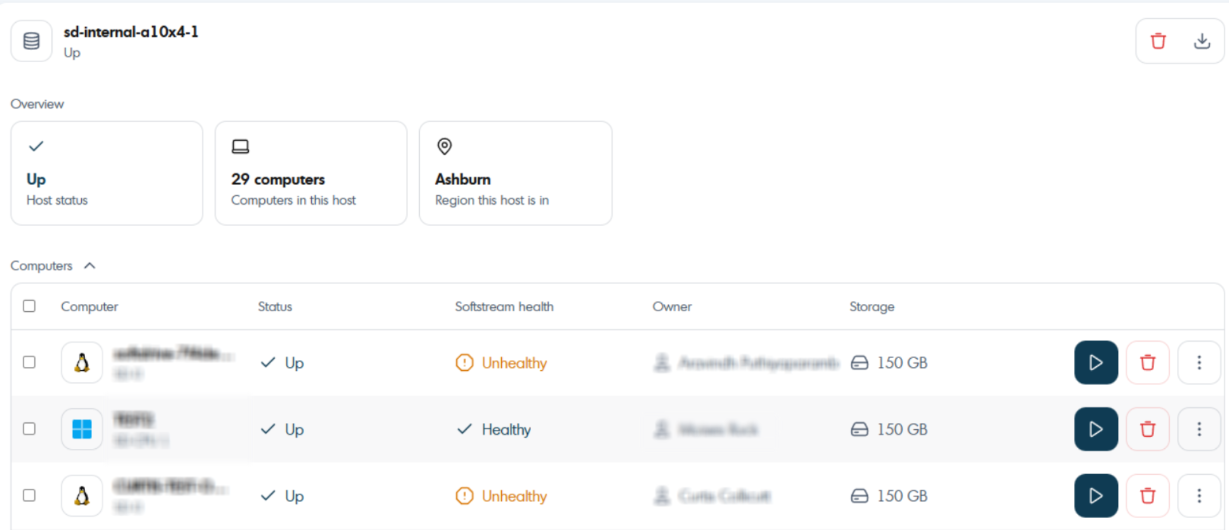
Clicking on a host allows you to view additional details such as status, region, and all associated Softdrive vPCs.
- Create a Host
Creating a host allows your organization to provision additional compute capacity for running virtual machines. This is typically done when expanding your Softdrive environment.
- Open a browser and go to:
http://softnet.softdrive.co/ - Log in with your administrator or user credentials
- Navigate to the Hosts tab
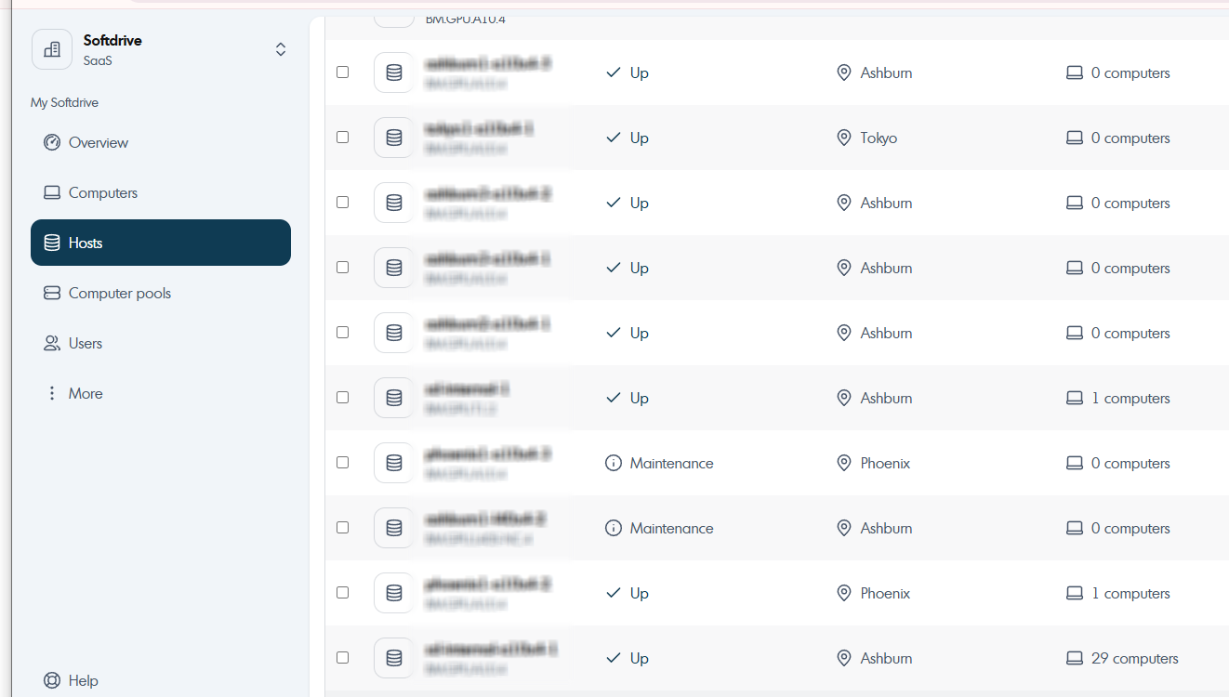
- Click Create on the top right corner
- Open a browser and go to:
Expected Result
Administrators can successfully view existing hosts and create new hosts within the Softdrive Dashboard, enabling proper management of compute resources.
Troubleshooting
- Ensure you have administrator permissions to view or create hosts
- Verify your Softdrive environment has available capacity for new hosts
- If hosts are not visible, refresh the dashboard or check your network connection
- If issues persist, contact support@softdrive.co